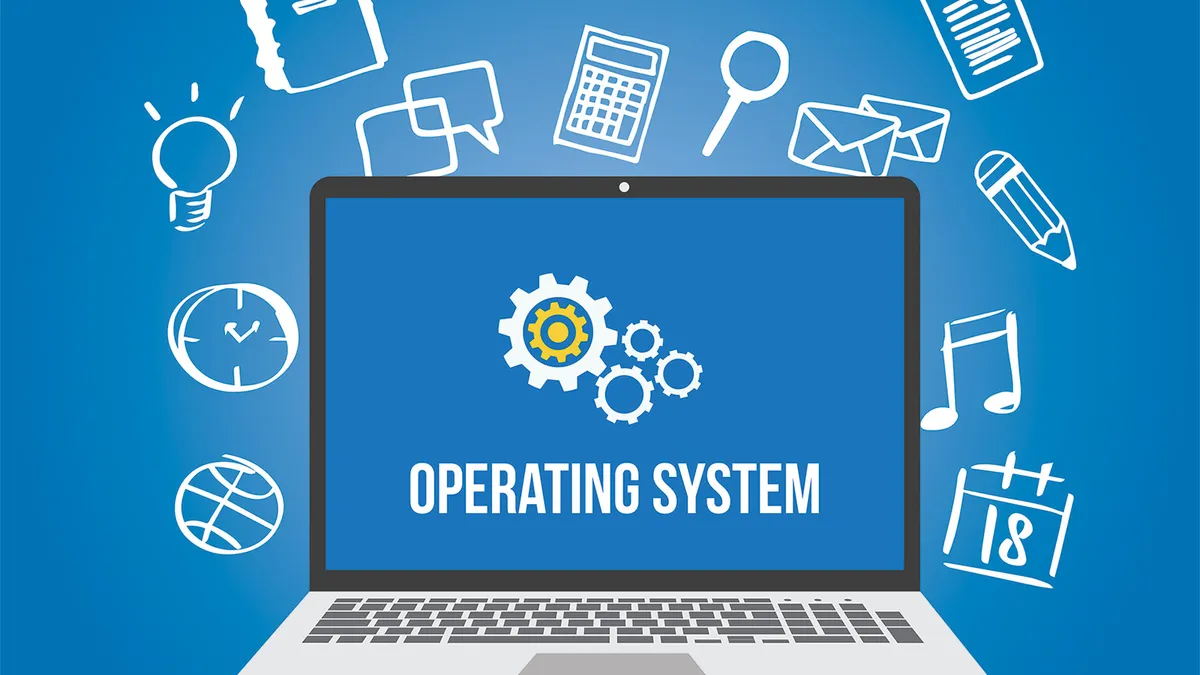
Operating systems (OS) are the unsung heroes of our digital devices, acting as the intermediary between hardware and software. They manage resources, provide a user interface, and enable applications to function seamlessly. In this guide, we’ll explore what operating systems are, their key components, their importance in everyday technology, and how they shape our digital experiences.
What Is an Operating System?

An Operating System is a software layer that enables hardware components to communicate with application software. It performs essential functions, including:
- Resource Management: Allocating CPU, memory, and storage resources efficiently.
- File Management: Organizing data storage and retrieval on disk drives.
- Process Management: Overseeing running applications and managing their execution.
- User Interface: Providing a way for users to interact with the computer, whether through graphical interfaces (GUIs) or command-line interfaces (CLIs).
- Security and Access Control: Protecting system resources and data from unauthorized access.
Types of Operating Systems
- Desktop Operating Systems
• Examples: Windows, macOS, Linux
• Designed for personal computers, enabling users to run applications, manage files, and connect to networks.
- Mobile Operating Systems
• Examples: Android, iOS
• Tailored for smartphones and tablets, focusing on touch interfaces and mobile-specific features.
- Server Operating Systems
• Examples: Windows Server, Ubuntu Server, Red Hat Enterprise Linux
• Optimized for managing network resources, hosting applications, and providing services to clients.
- Embedded Operating Systems
• Examples: RTOS (Real-Time Operating Systems), VxWorks
• Found in devices like appliances, automobiles, and IoT devices, designed for specific tasks with limited resources.
- Network Operating Systems
• Examples: Novell NetWare, Microsoft Windows Server
• Support networking capabilities, enabling multiple computers to communicate and share resources.
Importance of Operating Systems in Everyday Tech Life
- User Experience
• Operating systems provide intuitive interfaces that make technology accessible to users, regardless of their technical expertise.
- Application Compatibility
• They enable a wide range of applications to run on devices, from productivity software to games, enhancing functionality and user engagement.
- Resource Optimization
• Efficient management of hardware resources ensures devices run smoothly, improving performance and extending the lifespan of hardware.
- Security
• Operating systems implement security measures to protect user data and system integrity, crucial in an era of increasing cyber threats.
- Multitasking
• They allow users to run multiple applications simultaneously, improving productivity and enabling a seamless workflow.
Key Components of Operating Systems
- Kernel
• The core component that manages system resources, facilitating communication between hardware and software.
- User Interface
• The part of the OS that allows users to interact with the system, including GUIs (Windows, icons) and CLIs (command prompts).
- Device Drivers
• Specialized software that allows the OS to communicate with hardware devices, such as printers, graphics cards, and storage drives.
- File System
• The method used to organize and store files on storage devices, determining how data is accessed and managed.
- System Utilities
• Tools and applications that help users manage system resources, perform maintenance tasks, and troubleshoot issues.
Popular Operating Systems
- Windows: Known for its user-friendly interface and compatibility with a vast range of applications, making it the most widely used OS for desktops.
- macOS: Renowned for its sleek design and integration with Apple hardware, offering a seamless experience for creative professionals.
- Linux: An open-source OS favored for its flexibility, security, and use in server environments, with various distributions like Ubuntu and Fedora.
- Android: Dominates the mobile OS market, providing a customizable platform for smartphones and tablets.
- iOS: Offers a secure and optimized environment for Apple devices, emphasizing user privacy and app quality.
Future Trends in Operating Systems
- Cloud-Based Operating Systems
• Increasing reliance on cloud computing may lead to more OS functionalities being delivered as services rather than traditional installations.
- AI Integration
• Operating systems may incorporate AI to enhance user experiences, automate tasks, and improve security measures.
- Increased Focus on Security
• As cyber threats evolve, operating systems will prioritize advanced security features, including biometric authentication and real-time threat detection.
- Virtualization and Containerization
• Technologies like Docker and Kubernetes will drive the development of OS environments that support isolated applications and efficient resource management.
- IoT Operating Systems
• With the rise of IoT devices, specialized operating systems will emerge to manage connectivity, data processing, and security in smart environments.
Conclusion
Operating Systems are the backbone of modern technology, enabling devices to function efficiently and effectively. Understanding their role, types, and significance in everyday tech life empowers users to make informed choices when selecting devices and applications. As technology continues to evolve, operating systems will adapt, ensuring that they remain integral to our digital experiences. Embracing this knowledge allows us to harness the full potential of our devices, enhancing productivity and connectivity in our daily lives.